
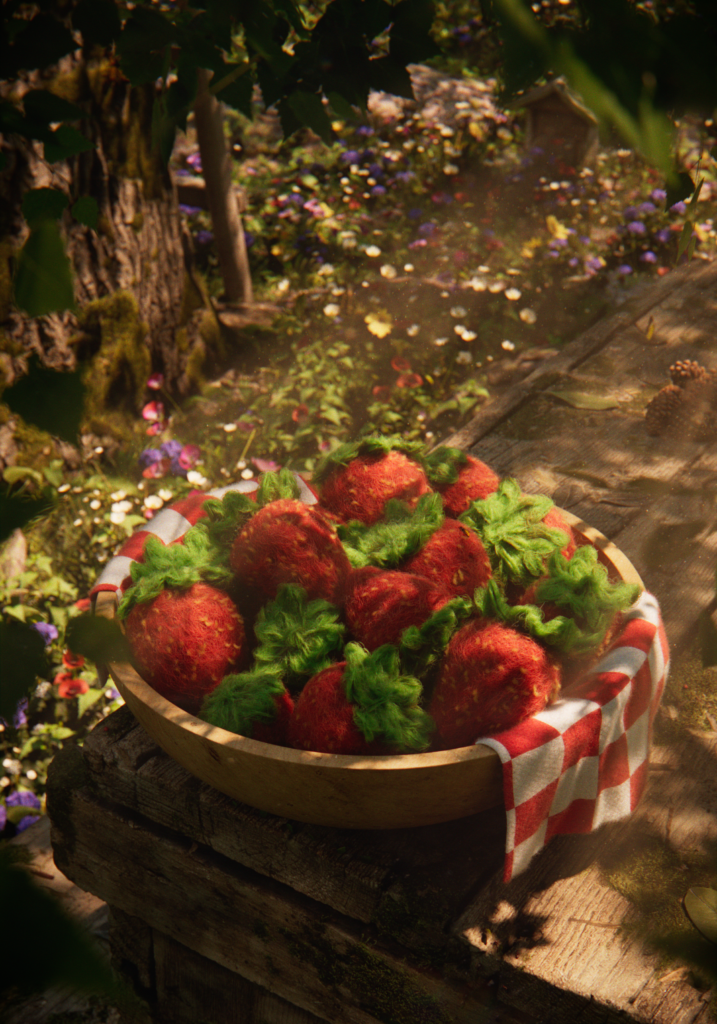
I’m berry pleased with how this one turned out! This piece came about because I have a strawberry-themed bathroom, and I wanted to create some art to fill an empty spot on the wall while using an oddly sized 16.5×23.4 frame I had lying around. I enjoyed making this piece because I had complete creative control. With that being said, I tried to keep it fun and not stress out over any tech issues I’d run into.
Idea
While cleaning my strawberry-themed bathroom one day, I envisioned an image of strawberries in a bowl hanging on the wall. To make sure I wouldn’t forget this idea, I quickly created a rough sketch of it.
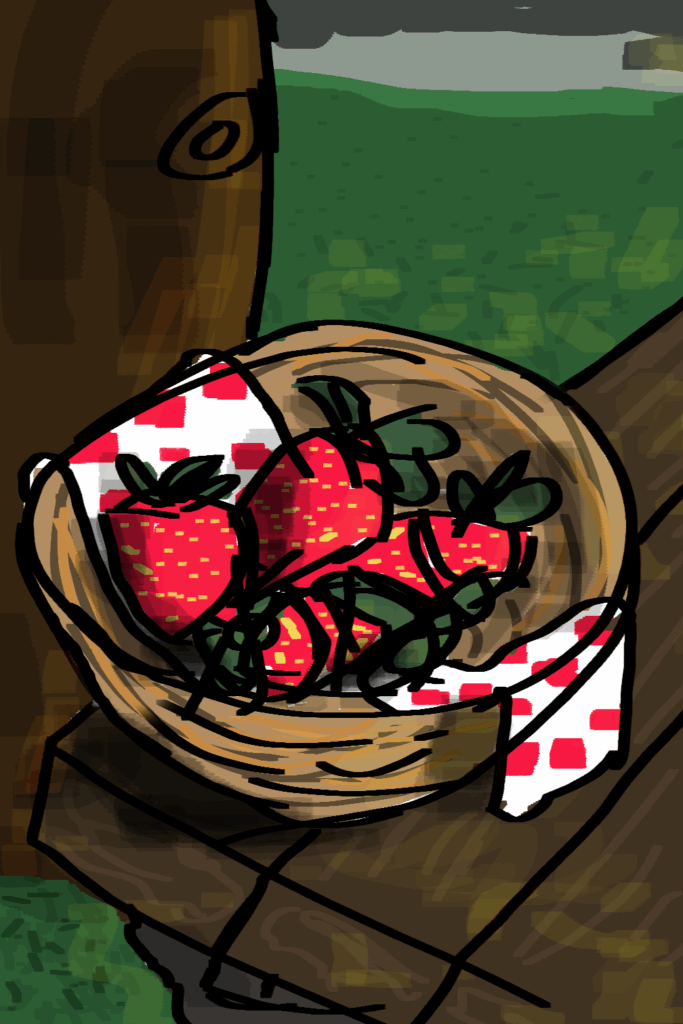
After doing a quick Photoshop sketch I brought it into Stable Diffusion as an img2img to test the AI generative tool and to see how well it could push my sketch.
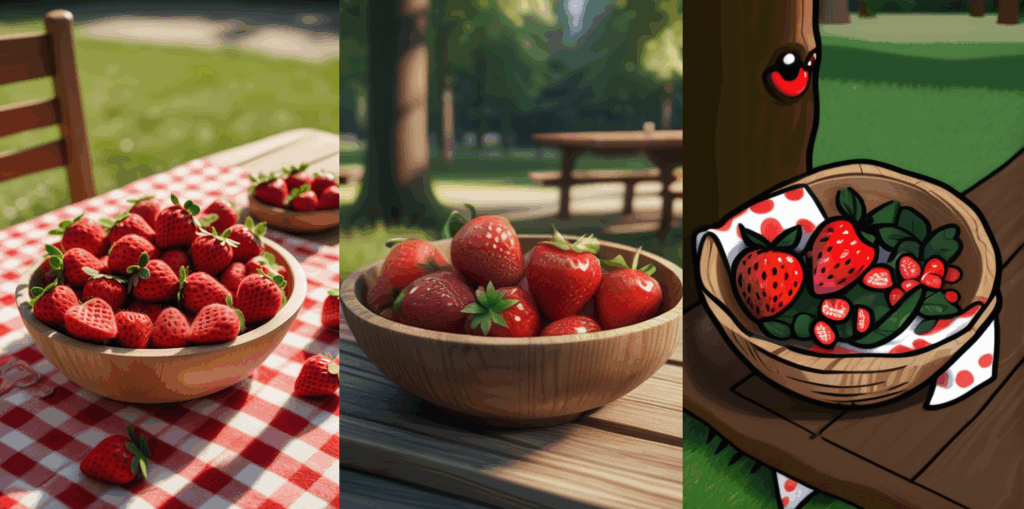
Before I talk more about my workflow, I want to talk about the relationship between AI and artists.
Here are a few key definitions:
Artificial Intelligence (AI): Use of technologies to build machines that can replicate cognitive processes associated with human intelligence
Machine Learning (ML): a type of AI that enables machines to train on data to find patterns
Generative AI (GenAI): a new type of machine learning that adds the ability to create new data like images, text, and video from existing data
There’s a lot of discussion about how AI might take away jobs from artists, and I want to address this idea. ML has been utilized by visual effects artists for many years. When people talk about AI, they often label it as negative and group ML together under the same umbrella, even though ML is a bit different. Here is a great article that explains this in more detail.
Currently, many artists are facing challenges posed by GenAI. This technology relies on large datasets created by scraping images from the internet, which train models to generate new images. I believe this practice is unethical as it steals artists’ work without their consent. I decided to test Stable Diffusion, despite its known ethical issues regarding the sourcing of training data. My intention using the tool is to evaluate how advanced this technology has become. Many people, including artists, are often unaware that there are ethical tools available that do not appropriate artwork. Here is an article that talks about Stable Diffusion’s ethical problems. One example of machine learning used in visual effects is a tool called Nuke Copy Cat. This tool allows users to train the computer to perform specific tasks, such as creating a matte around a person. Another ethically trained tool is known as MLInpainter, which assists in speeding up cleanup tasks.
A final note about AI for aspiring VFX artists, it’s important to learn these AI tools. If you don’t, you could find yourself at a significant disadvantage. These tools are becoming increasingly integrated into the production pipeline and will continue to play a larger role in the future.
Project Management
When working on a 3D project, organization is important for keeping the project moving along smoothly. With lots of files, ideas and notes to manage, staying organized is essential. Recently, I read a book called Building a Second Brain by Tiago Forte. The book is about managing the information around you whether for professional projects or personal use. Tiago’s organization method is called PARA which I use in Notion as my organization system.
Project – short-term efforts that you are working on now
Area – long-term responsibilities to manage over time
Resources – topics or interests that may be useful in the future
Archive – inactive items from the other 3 categories
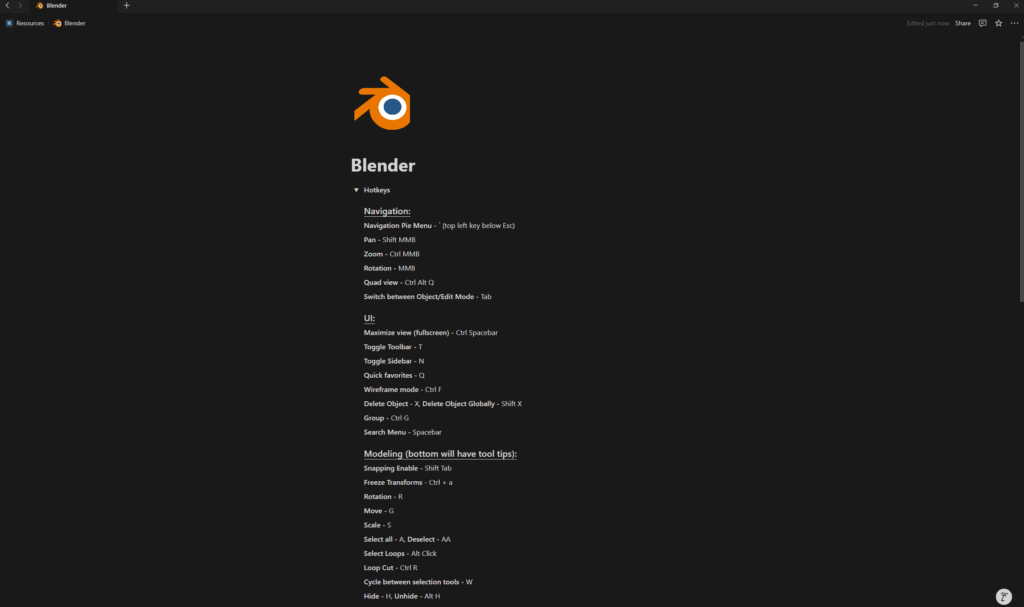
As someone who is constantly learning and consuming content, I use the PARA method to organize and manage all of this information. For example, I have set up a page in Notion that is categorized under the Project section. On this page, I keep track of my progress and notes from start to finish. Once a project is finished, I move it to the Archive section. Another way the PARA method has been helpful for me is through my Blender page which is located under Resources. I’m currently learning Blender, and one of the challenging parts is remembering the hotkeys as they differ a lot from other 3D software. I also use this Blender page to keep track of tips and tricks I’ve learned that may be helpful for other projects.
Blender
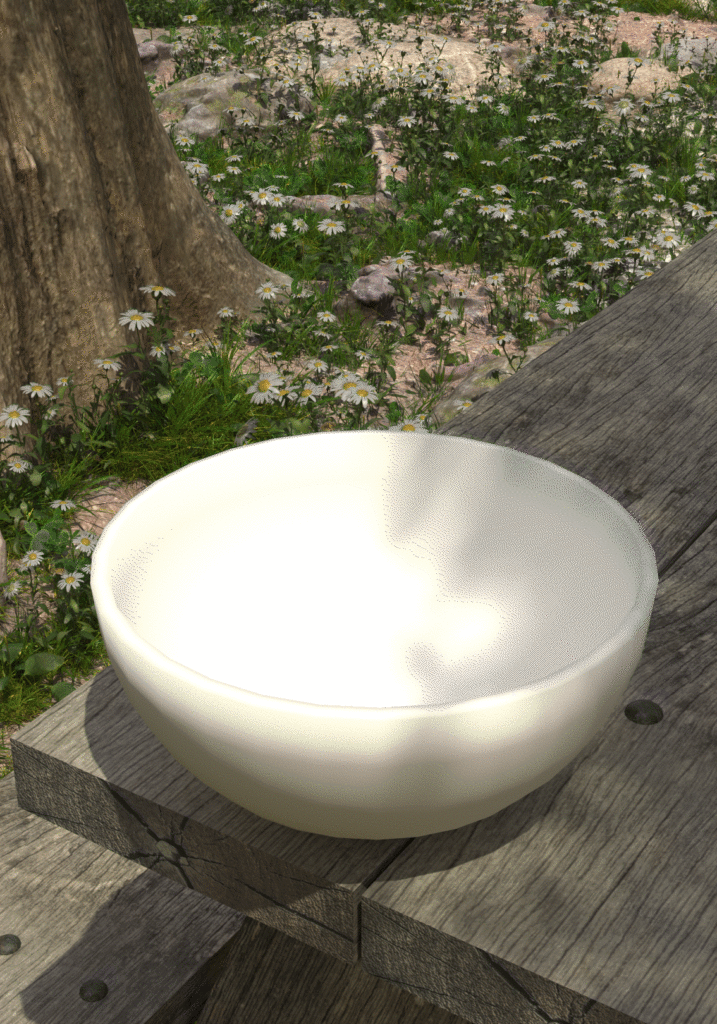
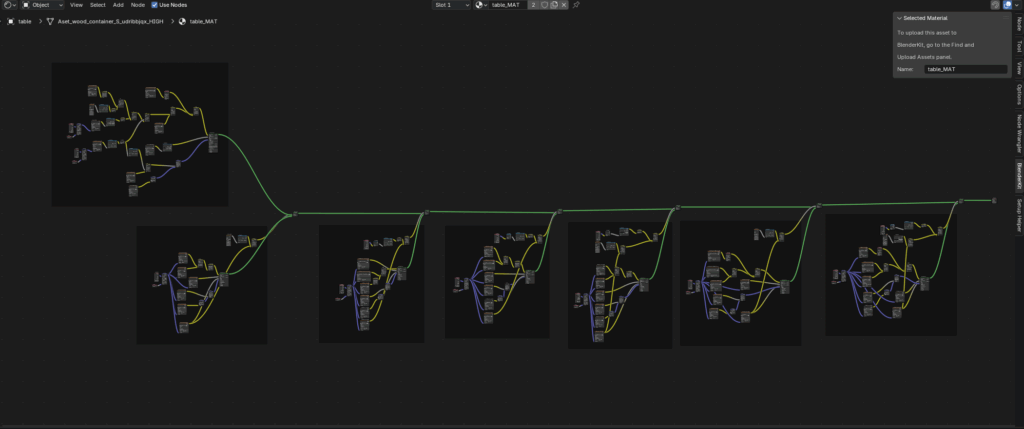
One of the best things about Blender is that it is an open-source software which means it’s free and it has a huge community of users! When using Blender, one of my favorite features is the Shader Editor. Having started my journey in 3D with Maya, I find Blender’s Shader Editor to be much faster and more efficient than Maya’s Hypershade Graph, which often crashes. Specifically for the picnic table, I used a base material from Quixel Megascans and I created 6 more shaders on top to add all of the leaves, dirt, and forest debris that would have gathered up on the table over time to create more detail. Even with all these nodes Blender didn’t crash once!
Thank you for reading!